Guessing a Number
Simulates XMPP clients chatting with each other playing a game of guessing numbers.
This report has been automatically generated by ComSim by Trust Anchor Group. The following command-line arguments where used to execute the simulation and generate the report:
ComSim.exe -d ComSim\bin\Debug\netcoreapp2.2\Data -e -i Examples\GuessANumber.xml -s ComSim\bin\Debug\netcoreapp2.2\Sniffers -st Examples\SnifferXmlToHtml.xslt -mr C:\ProgramData\IoT Gateway\Root\Reports\GuessANumber.md -xr C:\ProgramData\IoT Gateway\Root\Reports\GuessANumber.xml -master /Master.md -l C:\ProgramData\IoT Gateway\Root\Reports\GuessANumber.Log.xml -lt C:\ProgramData\IoT Gateway\Transforms\EventXmlToHtml.xslt -af ComSim\bin\Release\netcoreapp2.2\publish
Description
Simulates 40 XMPP clients (20 TCP, 10 BOSH, 10 Web-sockets) playing the simple game of guessing a number with each other randomly over chat. Simulation lasts 10 minutes, and games are started randomly with an expected intensity of 100 started games per minute. Based on the SimpleChatMessages.xml example.
Preparation
The XMPP Client accounts are created automatically, if the broker being used supports XEP-0077: In-Band Registration. The account registration process can be protected using keys and secrets, if the broker supports XEP-0348: Signing Forms.
General
| Time units | |
|---|---|
| Simulation Duration: | 1 min |
| Time Base: | Start of Simulation |
| Time Unit: | 1 s |
| Time Cycle: | 1 min |
| Bucket Time: | 10 s |
| Start Date: | 2020-10-13 |
| Start Time: | 13:14:10 |
| End Date: | 2020-10-13 |
| End Time: | 13:15:10 |
Activities


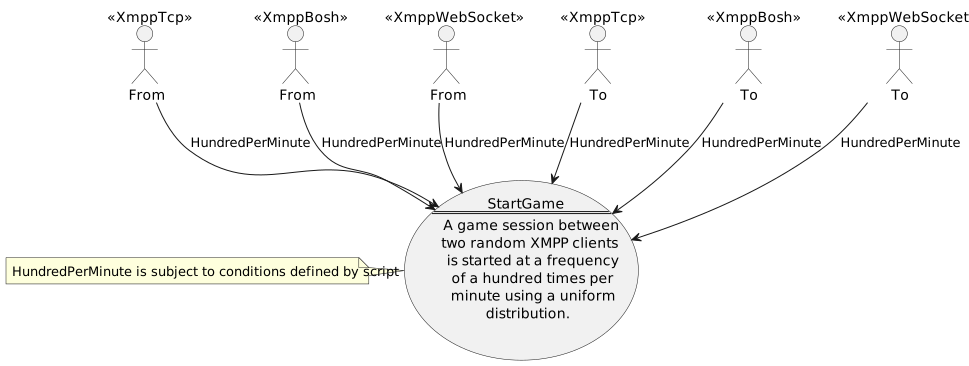
StartGame
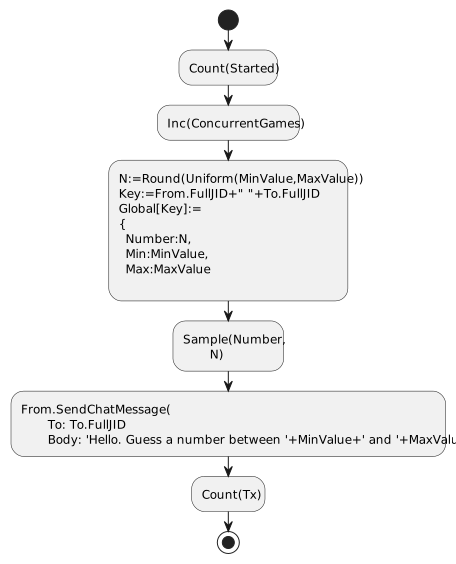
This activity starts a game session, by randomly selecting a number between 1 and 100, and sending an introductory chat message to a random recipient.


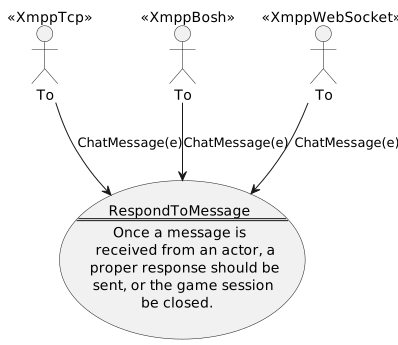
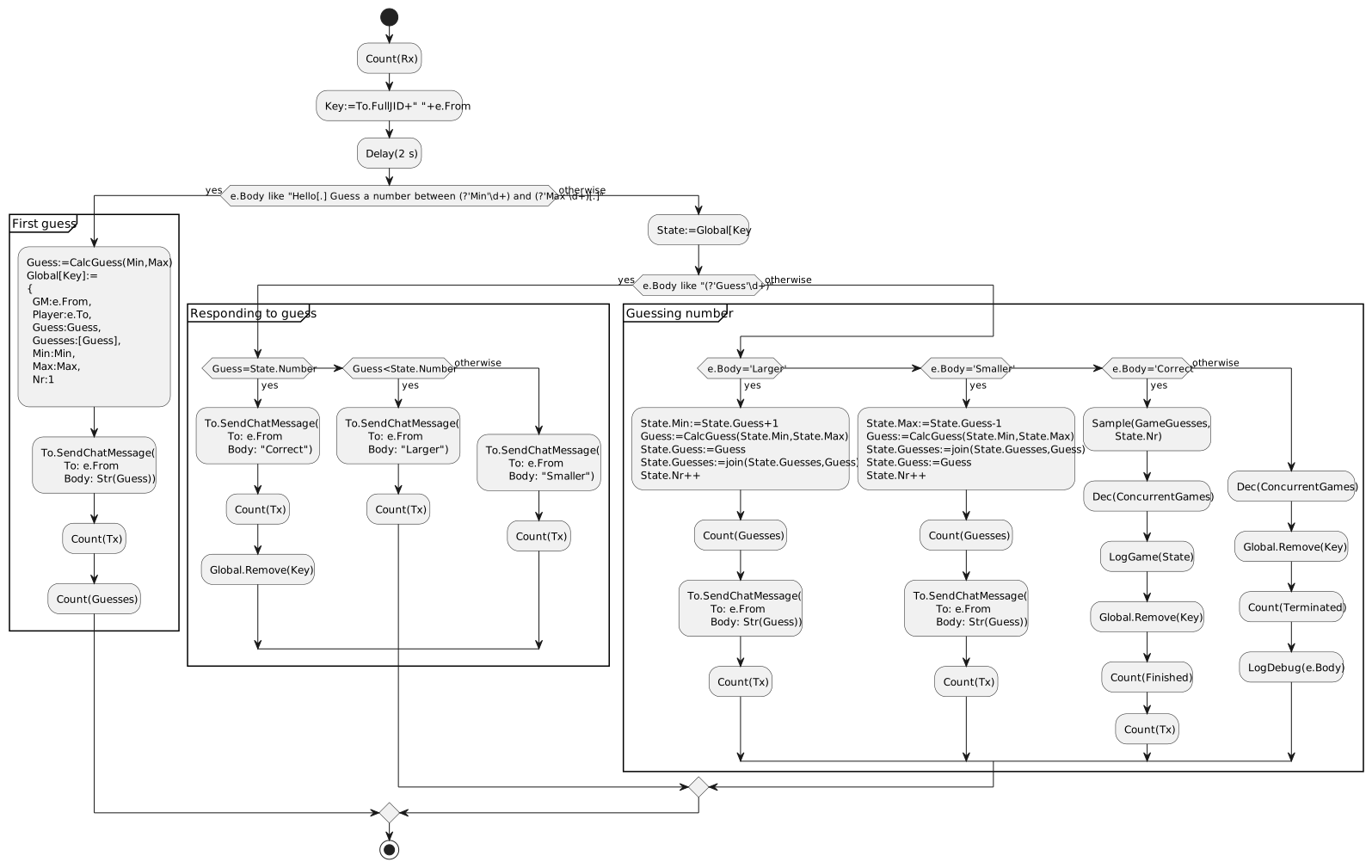
RespondToMessage
This activity responds to incoming chat messages, with the aim at guessing the number selected by the sender.


Counters

Measurements


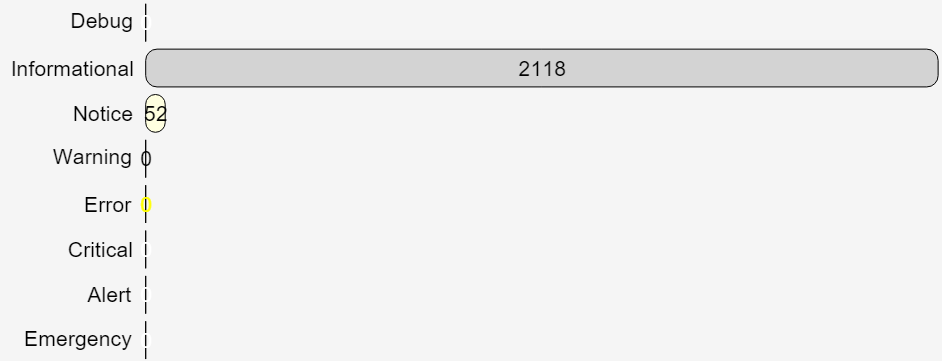
Events