Federation
Demonstrates how to send and receive messages between clients connected to different federated brokers.
This report has been automatically generated by ComSim by Trust Anchor Group. The following command-line arguments where used to execute the simulation and generate the report:
ComSim.exe -d ComSim\bin\Debug\netcoreapp2.2\Data -e -i Examples\Federation.xml -s ComSim\bin\Debug\netcoreapp2.2\Sniffers -st Examples\SnifferXmlToHtml.xslt -mr C:\ProgramData\IoT Gateway\Root\Reports\Federation.md -xr C:\ProgramData\IoT Gateway\Root\Reports\Federation.xml -master /Master.md -l C:\ProgramData\IoT Gateway\Root\Reports\Federation.Log.xml -lt C:\ProgramData\IoT Gateway\Transforms\EventXmlToHtml.xslt -af ComSim\bin\Release\netcoreapp2.2\publish
Description
Simulates 200 XMPP clients, 100 connected to one broker in the Netherlands, 100 connected to a second broker in Sweden. Clients exchange XML messages randomly between each other during 10 minutes, normally distributed, with a total of about two million, half local, half federated.
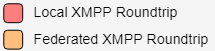
During the simulation, performance metrics are sampled for local simulator performance, as well as both broker performances. Automatic outlier removal has been used on the message roundtrip measurements to make results easier to read and less dependent on external network and operating system events. A window averaging of the last 15 samples in the message roundtrip series have also been used to smoothen curves, to make the average easier to follow over time.
Preparation
XMPP
The XMPP Client accounts are created automatically, if the broker being used supports XEP-0077: In-Band Registration. The account registration process can be protected using keys and secrets, if the broker supports XEP-0348: Signing Forms.
Performance Counters
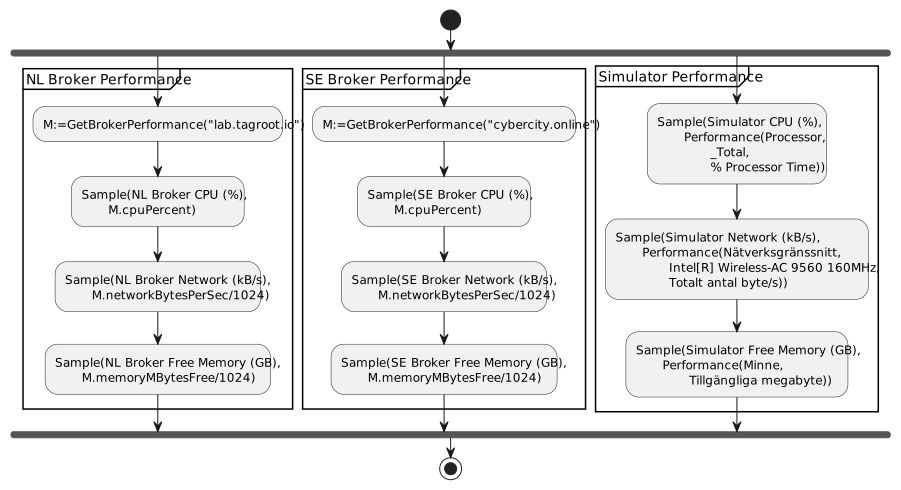
For this simulation to work, the Performance.ws Web Service script available in the Examples folder in the ComSim project, needs to be copied to the /Reports web folder of the TAG Neuron or the IoT Gateway web server. For readability, the web service script contais the following script, executed when the resource is accessed:
{
    "cpuPercent":PerformanceCounters.GetCounter("Processor","_Total","% Processor Time").NextValue(),
    "networkBytesPerSec":PerformanceCounters.GetCounter("Network Interface","Microsoft Hyper-V Network Adapter","Bytes Total/sec").NextValue(),
    "memoryMBytesFree":PerformanceCounters.GetCounter("Memory","Available MBytes").NextValue()
}
General
| Time units | |
|---|---|
| Simulation Duration: | 1 min |
| Time Base: | Start of Simulation |
| Time Unit: | 1 s |
| Time Cycle: | 10 min |
| Bucket Time: | 1 s |
| Start Date: | 2020-10-13 |
| Start Time: | 13:19:54 |
| End Date: | 2020-10-13 |
| End Time: | 13:20:54 |
Activities


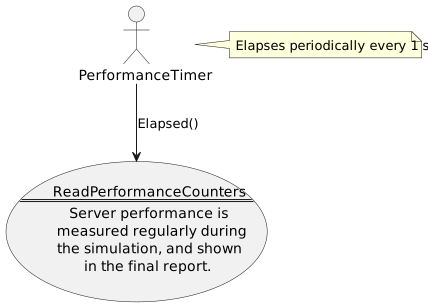
ReadPerformanceCounters
This activity measures server performance, by calling a web service and reporting the measured values in the returning JSON object back to the simulator.


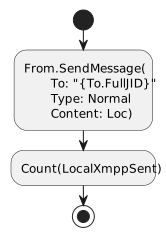
SendLocalXmppMessage
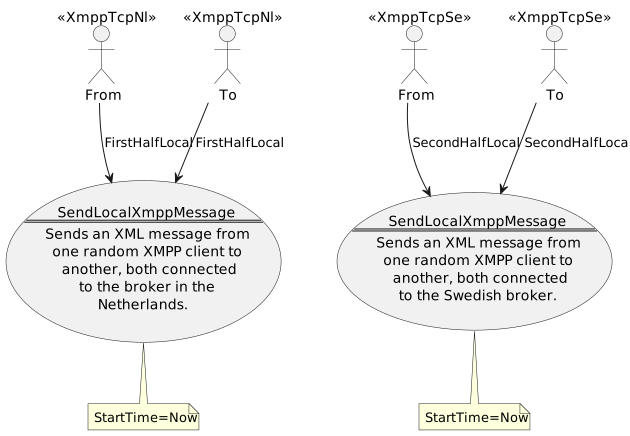
This activity sends an XML message to a random XMPP recipient on the same broker.


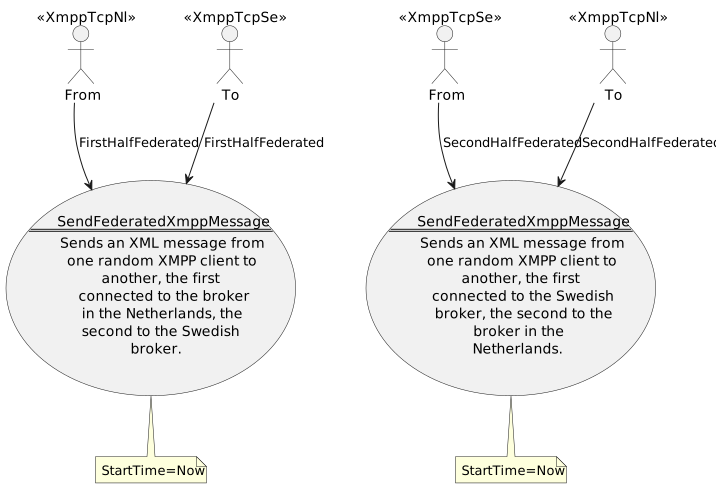
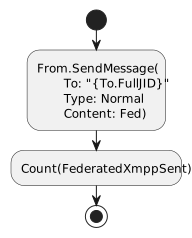
SendFederatedXmppMessage
This activity sends an XML message to a random XMPP recipient on another broker.


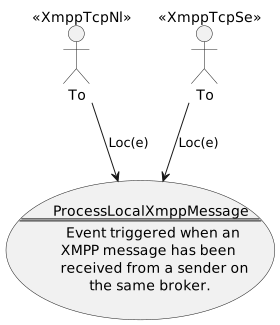
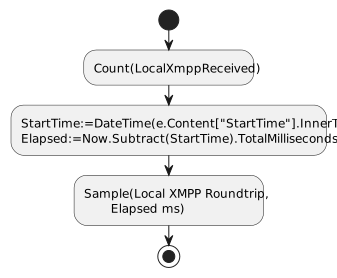
ProcessLocalXmppMessage
Processes an XMPP message received from a client on the same broker.


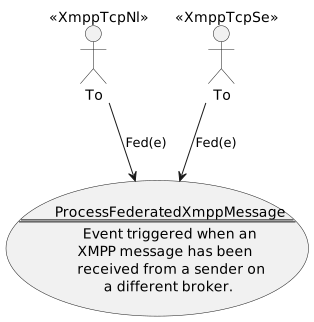
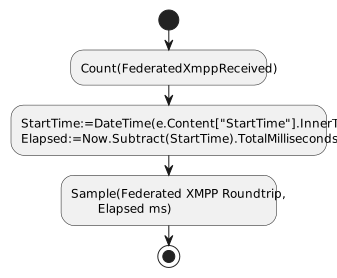
ProcessFederatedXmppMessage
Processes an XMPP message received from a client on another broker.


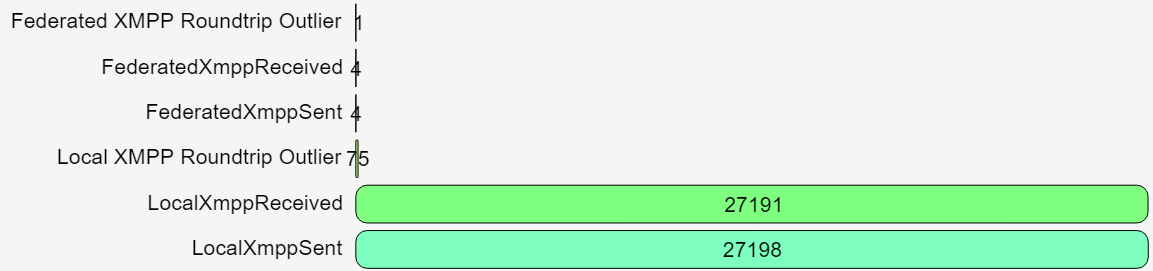
Counters

Measurements
Send messages


Received messages


Performance

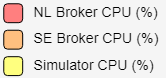
CPU Performance

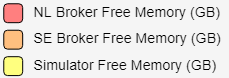
Memory Performance

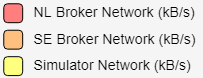
I/O Performance

Events