Content Types
Tests publishing information using either XML, JSON or binary over MQTT, to see if there are any noticeable differences on the choice of content type on performance.
This report has been automatically generated by ComSim by Trust Anchor Group. The following command-line arguments where used to execute the simulation and generate the report:
ComSim.exe -d ComSim\bin\Debug\netcoreapp2.2\Data -e -i Examples\ContentType.xml -s ComSim\bin\Debug\netcoreapp2.2\Sniffers -st Examples\SnifferXmlToHtml.xslt -mr C:\ProgramData\IoT Gateway\Root\Reports\ContentType.md -xr C:\ProgramData\IoT Gateway\Root\Reports\ContentType.xml -master /Master.md -l C:\ProgramData\IoT Gateway\Root\Reports\ContentType.Log.xml -lt C:\ProgramData\IoT Gateway\Transforms\EventXmlToHtml.xslt -af ComSim\bin\Release\netcoreapp2.2\publish
Description
Simulates 300 MQTT clients, publishing and subscribing to content of different types (100 XML, 100 JSON, 100 binary) during 10 minutes, during which a million messages of each type is transmitted and received. During the simulation, performance metrics are sampled for local simulator performance and broker performance.
Preparation
MQTT
The MQTT protocol is tested by installing the mosquitto MQTT broker on the same machine as the XMPP broker. It is important the brokers reside on the same machine, so network performance metrics can be compared.
Performance Counters
For this simulation to work, the Performance.ws Web Service script available in the Examples folder in the ComSim project, needs to be copied to the /Reports web folder of the TAG Neuron or the IoT Gateway web server. For readability, the web service script contais the following script, executed when the resource is accessed:
{
    "cpuPercent":PerformanceCounters.GetCounter("Processor","_Total","% Processor Time").NextValue(),
    "networkBytesPerSec":PerformanceCounters.GetCounter("Network Interface","Microsoft Hyper-V Network Adapter","Bytes Total/sec").NextValue(),
    "memoryMBytesFree":PerformanceCounters.GetCounter("Memory","Available MBytes").NextValue()
}
General
| Time units | |
|---|---|
| Simulation Duration: | 1 min |
| Time Base: | Start of Simulation |
| Time Unit: | 1 s |
| Time Cycle: | 10 min |
| Bucket Time: | 1 s |
| Start Date: | 2020-10-13 |
| Start Time: | 13:21:01 |
| End Date: | 2020-10-13 |
| End Time: | 13:22:01 |
Activities

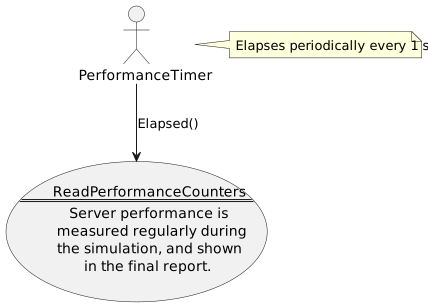
ReadPerformanceCounters
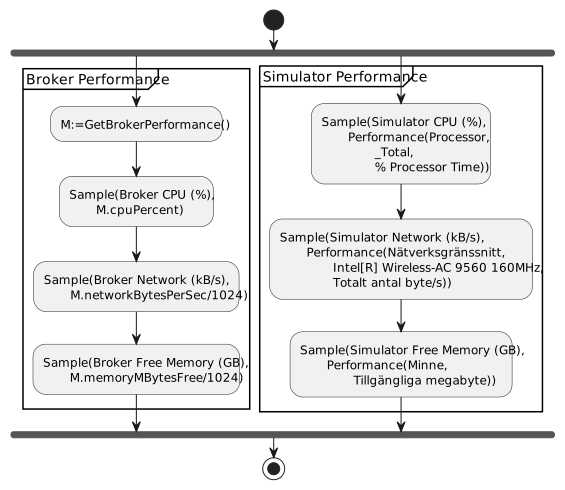
This activity measures server performance, by calling a web service and reporting the measured values in the returning JSON object back to the simulator.


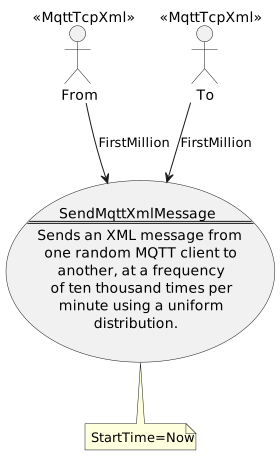
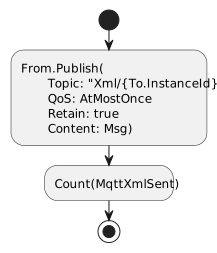
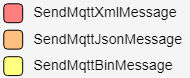
SendMqttXmlMessage
This activity sends an XML message to a random MQTT recipient.


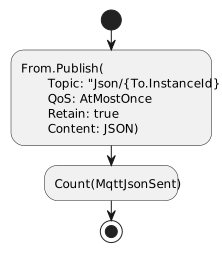
SendMqttJsonMessage
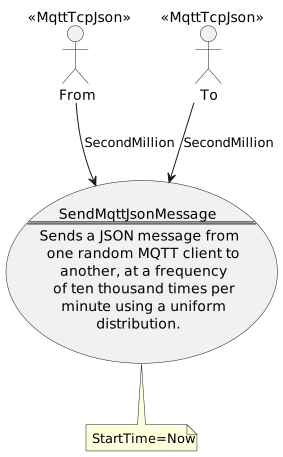
This activity sends a JSON message to a random MQTT recipient.


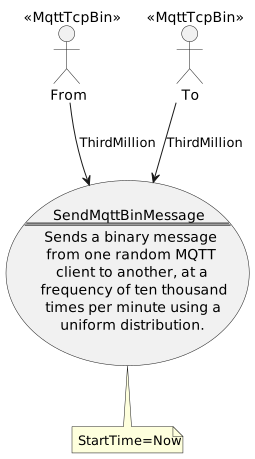
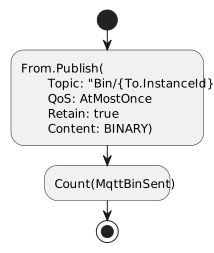
SendMqttBinMessage
This activity sends a binary message to a random MQTT recipient.


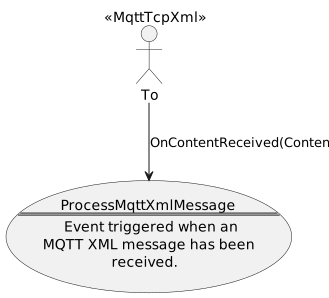
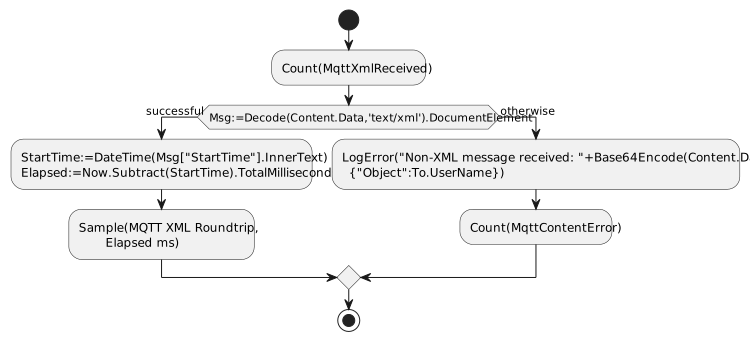
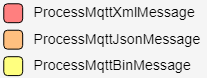
ProcessMqttXmlMessage
Processes a received MQTT XML message.


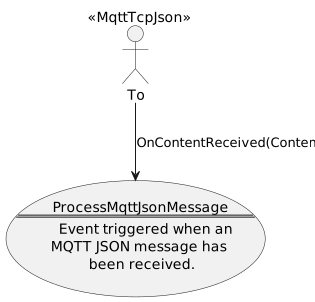
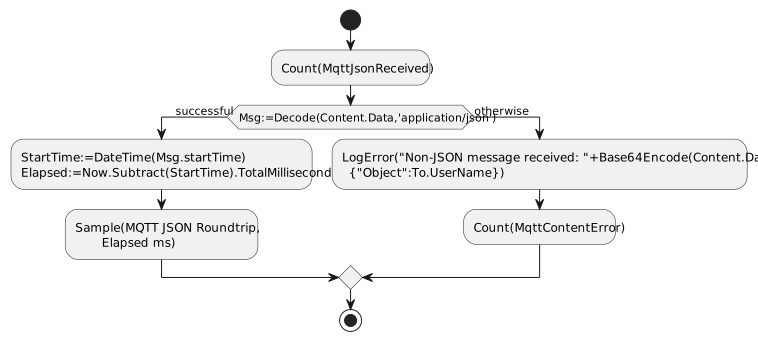
ProcessMqttJsonMessage
Processes a received MQTT JSON message.


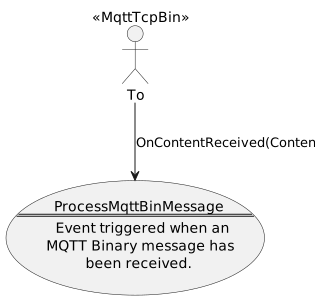
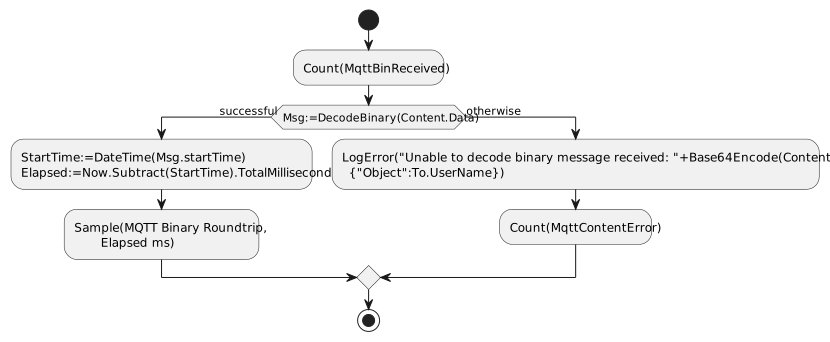
ProcessMqttBinMessage
Processes a received MQTT Binary message.


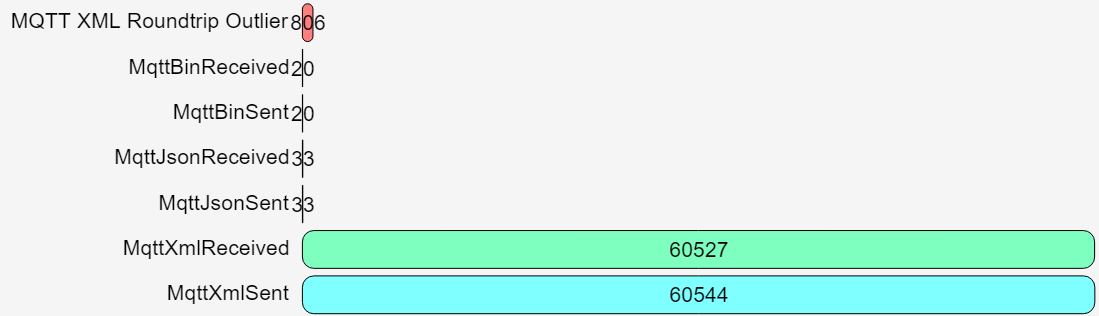
Counters

Measurements

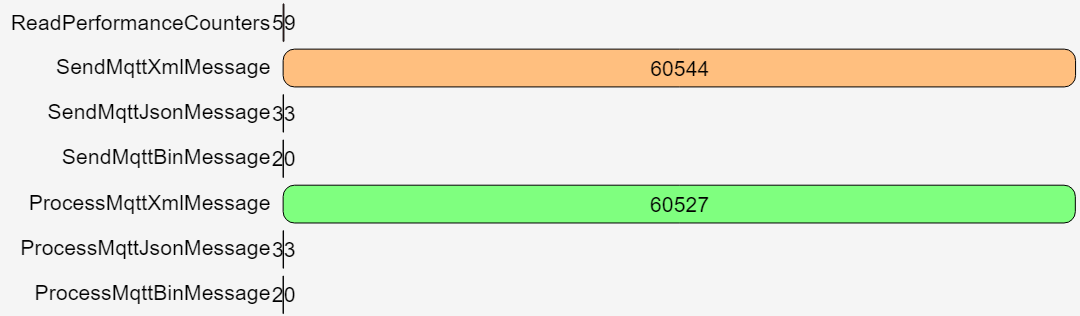
Send messages


Received messages


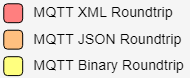
Performance

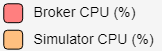
CPU Performance

Memory Performance

I/O Performance

Events